
QSApp Showcase: Home Decoration & Lighting✨
What If… We Built a Home Decor & Lighting QSApp in a Day? (Spoiler: We Did✅)
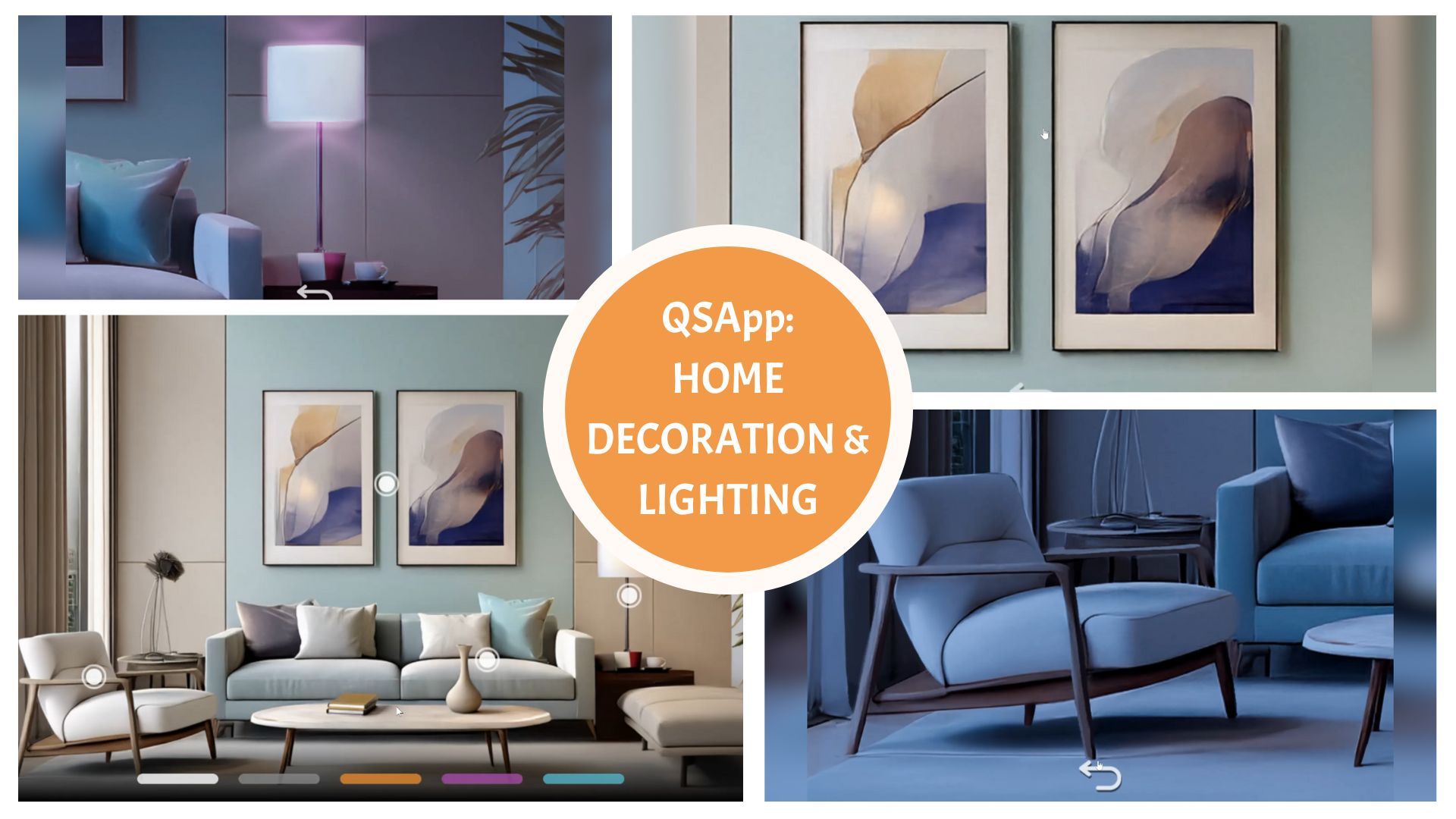
Like all great inventions and ideas, they often start with a simple question: “What if...?” And this QSApp is no exception.
“What if,” said one Quicksaver, “we use QSApp to showcase a room where users can explore the decor by zooming in on different parts and altering the mood of the space through lighting—just with a few clicks.”
The result? A straightforward yet powerful QSApp that caters to everyone from home decor brands showcasing their products to design enthusiasts looking for fresh ideas and inspiration. It offers an interactive, immersive experience that helps users visualize decor options and experiment with different moods before making decisions.
The Lightroom QSApp you see above in the video—and which you can test yourself from the link below—is a prime example of a useful, easily, and quickly built QSApp—without any coding. And here's the kicker: it was created from concept to a fully published QSApp in just one day.
Yes, you read that right. One day.
Ready to see it in action? Go ahead and test the Lightroom QSApp yourself!
🧩 Want to Build Your Own Version?
The Lightroom QSApp isn’t just a cool demo—it’s also available as a ready-made template!
You can download the template file from the link below and use it as a starting point for your own creative projects. Whether you're building something for the home decor industry or simply experimenting with interactive WebGL content, this template gives you a head start.
👇 Download the template from our Dropbox and start creating your own version of the Home Decoration & Lighting QSApp today — and don’t forget, first-time users get a one-month free trial!
To publish your Decoration & Lighting QSApp with the QSApp Editor, follow these steps:
- Unzip the file you received (double-click it or right-click and choose “Extract All”).
- Open the .qsapp file inside the unzipped folder using the QSApp Editor.
➤ Make sure the QSApp Editor is installed. If not, you can download it from here: https://tools.quicksave.fi/qsapp-editor/download/ - In the QSApp Editor, go to the File menu (or “QSApp Editor title on MacOS) and choose “Generate new ID”.
- Still in the File menu, select “Save” to save the file with the new ID.
- Then head to the File menu once more and click “Publish”.
- You’ll get a published link — open it in your browser to see your QSApp live!
Have fun exploring—and we can’t wait to see what you build with it!
If you share your QSApp on social media, don’t forget to tag it with #MadeWithQSApp so the whole QSApp community can admire your work!😍
Next month, we’ll introduce you to another published QSApp and dive into the process behind it. In the meantime, feel free to browse our QSApps from the live demos!
Catch you next time—until then, have a great day!☀️
🧡 Karo from Quicksave
Find & Contact us:
⚡️ QSApp Website - Explore live demos, get product insights, and check out subscription info for QSApp.
🌐 Quicksave Website - Learn more about Quicksave Studio, the Quicksave Toolkit, and everything we do across games and tech.
💼 LinkedIn - Catch our latest news, behind-the-scenes peeks, and updates on team life and culture.
📽️ YouTube - Watch Toolkit tutorials, product walkthroughs, and the occasional fun side project from our team.
Quicksave Interactive is a Finland-based company specializing in cutting-edge WebGL/HTML5 UX technology. Quicksave develops and licenses QSApp, which empowers designers and artists to create and embed interactive web experiences without coding. In addition, Quicksave's internal studio develops and publishes interactive WebGL products like games, including Treasure Tails on Facebook, Werewolf Friends inside Zoom, and Axie Infinity: Raylights on Ronin blockchain.